
Obsidian & Productivity
Build a knowledge management system that grows with your career. From daily notes to automated workflows.
Second Brain
Never lose an idea or insight
Daily Tracking
Structured daily notes that work
Automation
iOS Shortcuts and integrations
Templates
Battle-tested productivity systems
Your Knowledge, Organized and Accessible
After decades in software development, I've learned that your ability to capture, organize, and retrieve knowledge is just as important as your coding skills.
Obsidian has transformed how I manage everything from daily standup notes to complex technical documentation. Combined with automation tools like iOS Shortcuts, it becomes a productivity powerhouse.
Whether you're tracking your daily work, building a personal knowledge base, or creating a system that scales with your career, these guides will show you how.
Core Obsidian Workflows
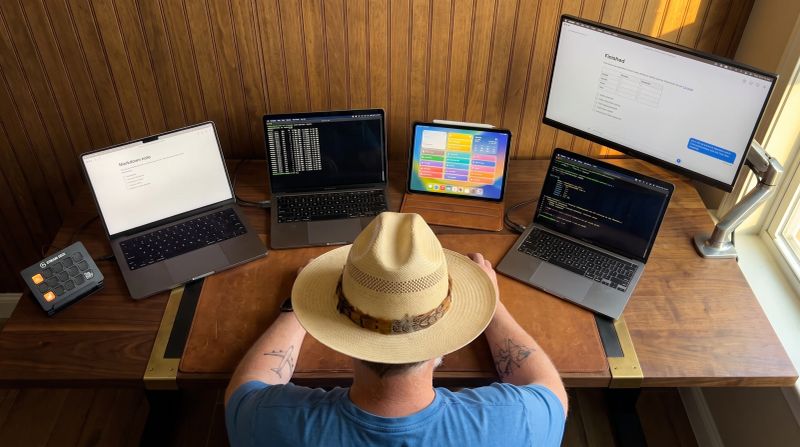
Every Version of My Obsidian Daily Note Since 2021
A template, a patched calendar tool, two iOS Shortcuts, a script, an overnight filer. Every rebuild took one chore off me. The newest one I just talk to.
I've rebuilt my Obsidian daily note over and over since 2021 and wrote up most of the rebuilds as they happened. This is the whole line, what each version fixed, what it left for me, and where it landed.

The Work Starts When the Thought Does
An autonomous SDLC where a note fires a Claude session, and the pull request is waiting when I get home.
Self-healing software survives its bugs without changing a line. What I run against my projects changes the source. Logging the defect is what fires the work, and most days the completion email is the entirety of my involvement.

I Walked Up to Doc Holliday's Grave. Here Is Everything That Happened After.
A log entry, a branded graphic, and this post, out of one conversation and a folder of markdown files.
I walked 2.6 miles up to Doc Holliday's grave in Glenwood Springs and logged it from my phone. The log, the graphic, and the post all came out of one conversation.

I Spent Years Automating My Obsidian Daily Note. Now It Files Itself.
I fed it by hand for years. Now an agent files my day's captures overnight, and I wake up to what's next.
For years I fed my Obsidian daily note by hand. Now an agent files my captures overnight, tells my thoughts from my tasks, and I wake up to a clear picture of what's next.

I Track Every Workout By Talking To My Phone. Here Is The System.
I sit on the chest press machine, phone in hand, and dictate one sentence to Claude. The set is logged. The Apple Watch data fills itself in. Here is how skills and brains turned my gym session into a queryable memory.

Your Obsidian Vault Is Full of Fossils.
Your brain rewrites memories every day. Your Obsidian vault never gets the chance.
If you use Obsidian, you have a daily note ritual. Open today's note. Pull up yesterday's. Copy the unfinished tasks forward. The daily note is supposed to be a living document. In practice, it's a stack of fossils you maintain by hand.
Personal Second Brains Are Step One. Operational Second Brains Are The Actual Destination.
Every few months a new "second brain" build hits X. The pattern is real, the folder taxonomies are getting sharper. But every one of them stops in the same place: a markdown file. Here's the wall.

From It's a Small World to the Haunted Mansion: A Blog Post Written in Claude Chat via BlackOps MCP
How a single conversation, no app switching, no copy-paste, went from breaking news to published post before the ride ended.
Obsidian just shipped official Claude Code skills. Here's what it means when your vault already runs a custom skill ecosystem. And yes, I sent this from It's a Small World.

Stop Giving Claude a Static Doc. Give It a Brain.
Brain turns any Obsidian folder into a living knowledge base any agent can read, any agent can update, and you can have as many as you need.
Brain is a new BlackOps feature that compiles an entire Obsidian folder into a single context note your Claude Projects can read through MCP. No RAG. No scripts. Just everything Claude needs, in one place.
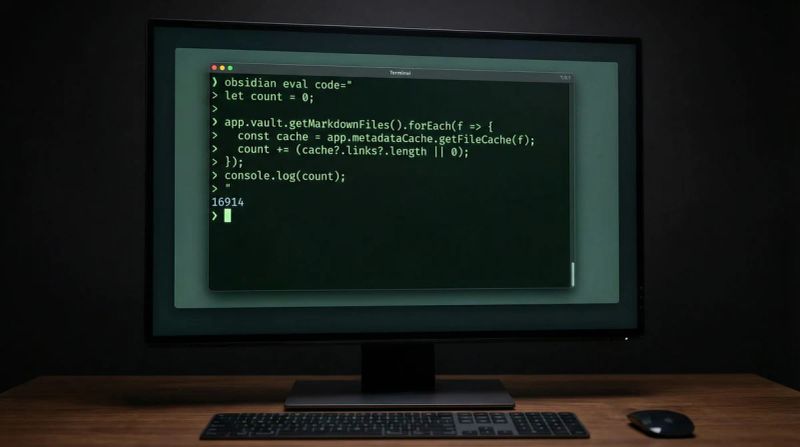
Your AI Agent Already Had File Access. Here's Why Obsidian CLI Changes Everything Anyway.
Obsidian 1.12 shipped a CLI. The internet yawned. Agents could already read files. They're missing the point entirely.
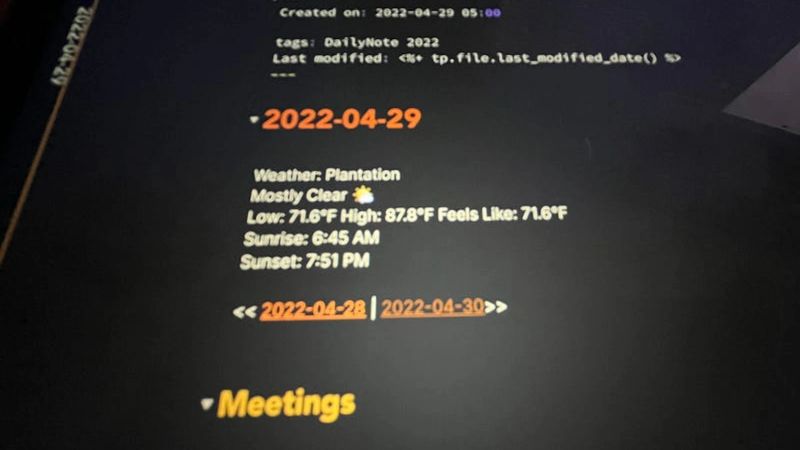
How I Use iOS Shortcuts to Add Today's Local Weather to My Obsidian Daily Note
Master iOS Shortcuts to add real-time local weather data to your Obsidian daily note with custom emoji mapping, location detection, and automated template insertion.
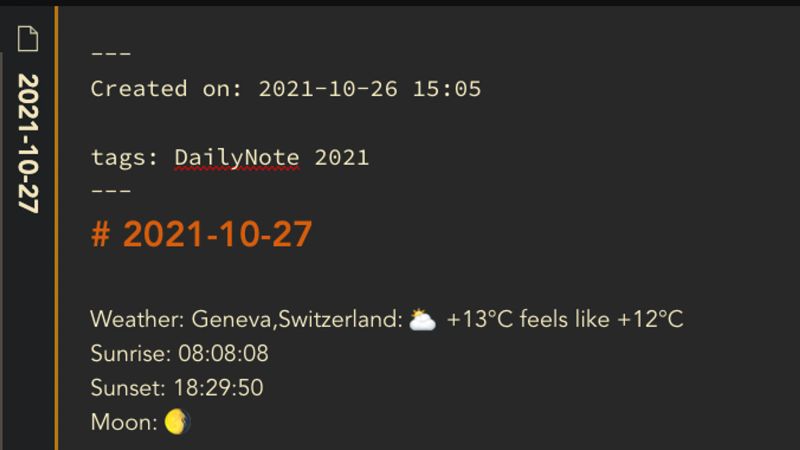
How I Add the Weather to My Obsidian Daily Note
Step-by-step guide to automatically adding current weather, sunrise, sunset, and moon phases to your Obsidian daily note using iOS Shortcuts and wttr.in API integration.
Automating My Obsidian Daily Note
Learn how to automate daily note creation in Obsidian using iOS Shortcuts with templates, calendar integration, and scheduled automation for seamless morning workflows.
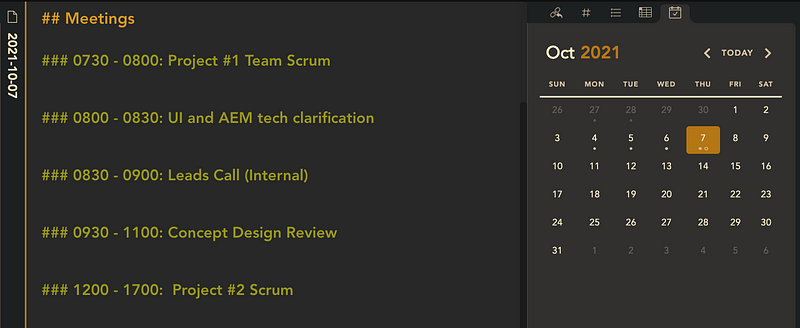
How I Import My Meetings Into My Obsidian Daily Note
Automate meeting imports from Outlook to Obsidian daily notes using icalBuddy and Templater. Never manually copy calendar events again with this macOS workflow solution.
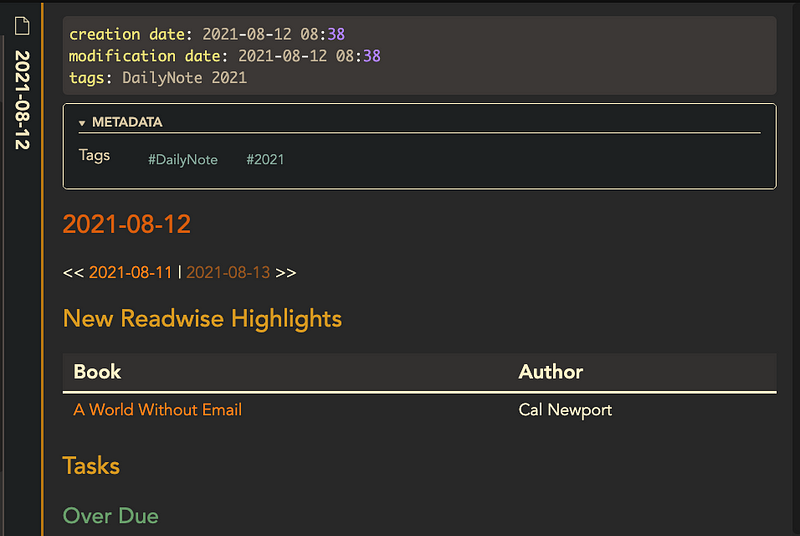
How I View My Latest Readwise Highlights in My Obsidian Daily Note
Build a Dataview query to surface your latest Readwise highlights in Obsidian daily notes. Automatically review book highlights with custom formatting and date-based filtering.

First Look at the Official Readwise Obsidian Plugin
Complete review of the official Readwise Obsidian plugin featuring automatic syncing, custom formatting, backlinks, and spaced repetition to transform reading highlights into knowledge.

My Obsidian Daily Note Template
A complete walkthrough of my Obsidian daily note template with dynamic task tracking, automated workflows, and Dataview queries to build a knowledge base from daily work.
The Complete Productivity System
Daily Workflow
- •Automated daily note creation with weather and calendar
- •Meeting notes imported from Outlook/Calendar
- •Task tracking with priorities and contexts
- •End-of-day reflection and planning
Knowledge Management
- •Readwise integration for book highlights
- •Technical documentation templates
- •Project knowledge bases
- •Searchable meeting archives
Automation & Integration

I never remember to send my newsletter, so BlackOps sends it now
If I miss my own deadline, BlackOps writes the issue, tells you it's covering for me, and sends it.
My last newsletter went out August 19. So I built Newsletter Autopilot: if I miss my deadline, BlackOps writes the issue from what I published and tells you it's covering for me.
Every Version of My Obsidian Daily Note Since 2021
A template, a patched calendar tool, two iOS Shortcuts, a script, an overnight filer. Every rebuild took one chore off me. The newest one I just talk to.
I've rebuilt my Obsidian daily note over and over since 2021 and wrote up most of the rebuilds as they happened. This is the whole line, what each version fixed, what it left for me, and where it landed.
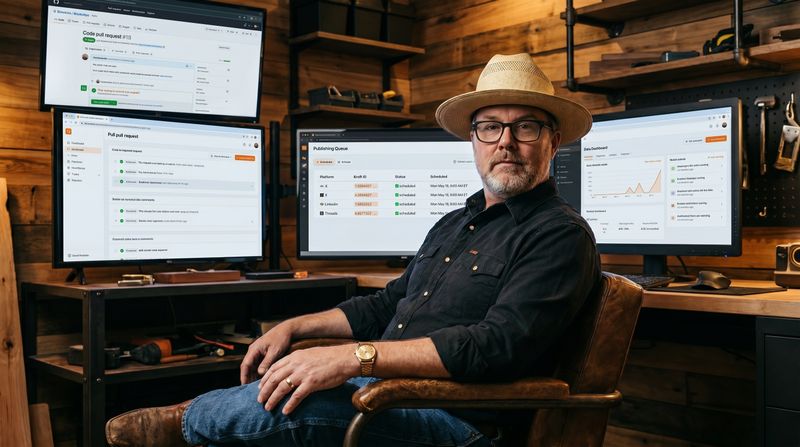
Replace Yourself Before Someone Else Does
If you're not slowly replacing yourself with AI agents in your own workflow, you're not doing it right.
The replacement conversation is framed as something that happens to you. Flip it. Here's what I've automated in my own workflow, the receipts, and the playbook.
I Spent Years Automating My Obsidian Daily Note. Now It Files Itself.
I fed it by hand for years. Now an agent files my day's captures overnight, and I wake up to what's next.
For years I fed my Obsidian daily note by hand. Now an agent files my captures overnight, tells my thoughts from my tasks, and I wake up to a clear picture of what's next.
From It's a Small World to the Haunted Mansion: A Blog Post Written in Claude Chat via BlackOps MCP
How a single conversation, no app switching, no copy-paste, went from breaking news to published post before the ride ended.
Obsidian just shipped official Claude Code skills. Here's what it means when your vault already runs a custom skill ecosystem. And yes, I sent this from It's a Small World.
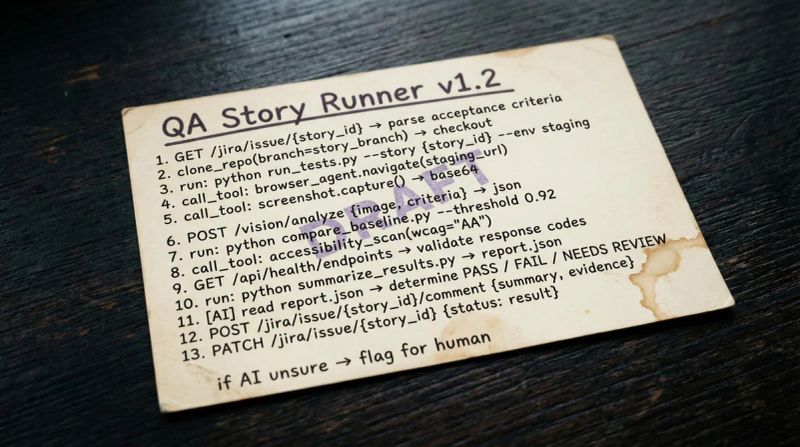
Stop Hiring Cooks. Start Building Kitchens.
Everyone says "we can use AI for that." But if your plan is to do that reliably, repeatedly, and at scale, you don't have a solution. You have a demo.
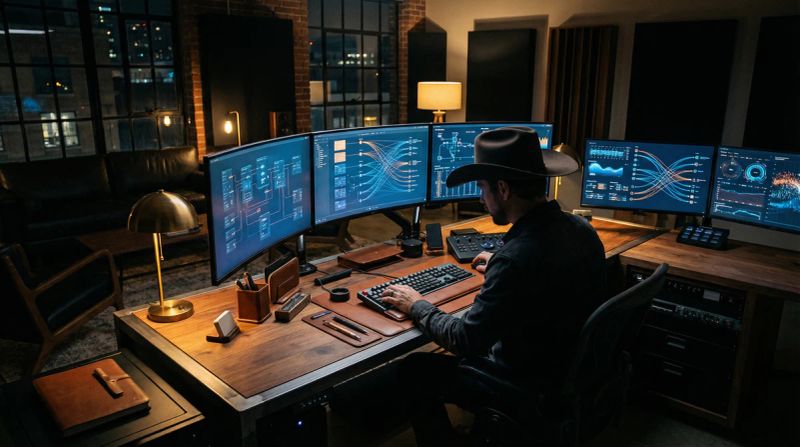
AI for Creatives Isn’t Art Generation. It’s Operator-Controlled Tooling.
OpenClaw controlling Blender/Figma/After Effects is the real unlock for AI in creative teams: not generating art, but automating the click-loop work around creation.
Free Templates & Resources
Daily Note Template
My complete daily note template with sections for weather, meetings, tasks, and reflections. Optimized for developer workflows.
Get the templateiOS Shortcuts Collection
Pre-built shortcuts for weather integration, meeting imports, and automated note creation. Works with iPhone and iPad.
Download shortcutsStart Building Your Second Brain Today
Join thousands of developers who use Obsidian to capture ideas, track progress, and build knowledge that compounds over time.