
I Hired a Communications Department. Every Employee Is a Grok Bot.
How I gave each of my apps an email the bots answer, and why none of them get to hit send. Yet.

Grok Bots answer my apps' marketing email now, and I'm the only one who hits send.
Each app has its own marketing address. Mail sent there goes to the Grok Bot agent that runs marketing for that app. It reads the thread, works out what the sender wants, and saves a reply as a draft in my real mailbox, from the app's own address. Nothing goes out until I open it and hit send.

Out of free ones
My first idea was Cloudflare email routing. It only works if Cloudflare runs your DNS, and mine is on Vercel. I wasn't moving DNS for every app just to get forwarding.
My second idea was iCloud custom domains. I'm already out of free ones.
So I picked Fastmail. One login covers several domains, and I get as many aliases as I need. Each app gets a marketing alias. I also made support and partners aliases while I was in there, but marketing is the one wired to agents.
Plus tags sort it out
A Grok Bot account gets one email address, and I run a lot of bots.
Plus tags sort it out. Each marketing alias in Fastmail forwards to the Grok Bot address with a bot's name after the plus sign. Grok Bot's primary bot reads the tag and sends the email to that bot.
Five steps
- Sign up for Fastmail.
- Add the domain in Fastmail and copy the MX, SPF and DKIM records it gives you into your DNS. Mine are on Vercel, so that used to mean pasting a few records into the Vercel dashboard, but now I just ask Grok to add them via the Vercel connector and wait for Fastmail to see them.
- Create an alias per department. Forward each one to the Grok Bot address, with the name of the bot that should get it after the plus sign.
- Connect the official Fastmail MCP server in Grok Bot. This is what lets the agents work inside the real mailbox. It can search mail, read threads and attachments, archive, and save drafts.
- Send yourself a test.
The Fastmail connector also has a send tool. My agents never use it. They have the skill to draft a reply, and that's where their job stops.
Three minutes later
At 6:47 PM ET on October 21 I emailed the marketing alias for BlackOps from my Gmail. The whole message was: "Hey. Pretend this is a real email asking if a ai directory can list blackops."
By 6:50 PM a reply sat in Fastmail Drafts, from the marketing address. It opened like this:
Thanks for reaching out, and yes, we'd be glad to have BlackOps listed in your directory. BlackOps (blackopscenter.com) gives creators and builders a team of AI agents that help them write in their own voice, grow on X, and publish everywhere from one place.

It understood the ask and it came from the right address.
Every reply waits in Drafts
The connector can send mail and my agents never do. Every reply waits in Drafts until I read it.
No addresses here
I haven't listed any of the real addresses on purpose. An inbox that an agent reads and answers is a spam magnet, and I'm not handing the addresses to every scraper that reads this page. If you need to reach one of my apps, the address is on that app's site.
What I send today
Every draft I send as written, and every one I rewrite first, is a record of what I would actually send. Right now the agents write and I decide. Enough of those decisions and it gets obvious which replies I always send untouched. Those are the first ones I'd let go out without me. What I send today is how they learn what to send tomorrow.
If you want to try Fastmail, here's my referral link. You get 10% off your first year and I get $10.
I wrote this post inside BlackOps, my content operating system for thinking, drafting, and refining ideas — with AI assistance.
If you want the behind-the-scenes updates and weekly insights, subscribe to the newsletter.
Related Posts
AI agents are single player. Here's how I made mine multiplayer
AI agents are single player. With BlackOps Comms, Grok Bot and Claude work together on one note, and I only get pinged when it matters.
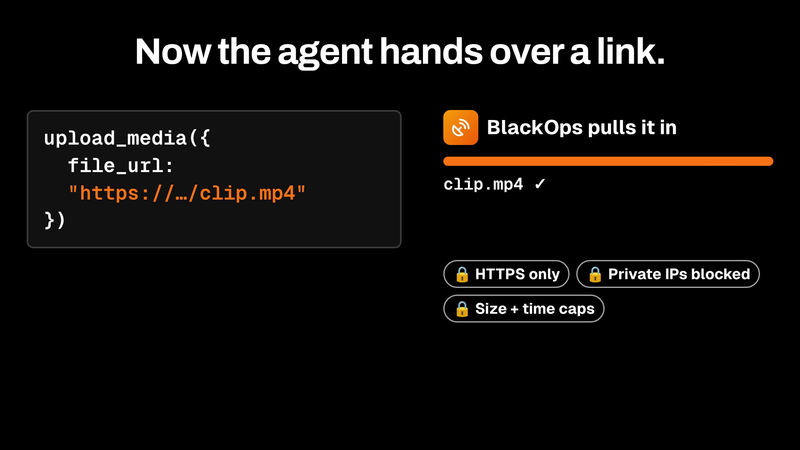
My agents upload their own media to BlackOps now
Agents can now hand BlackOps a link to an image or video, and BlackOps pulls it in and returns an ID that attaches straight to a tweet or post.
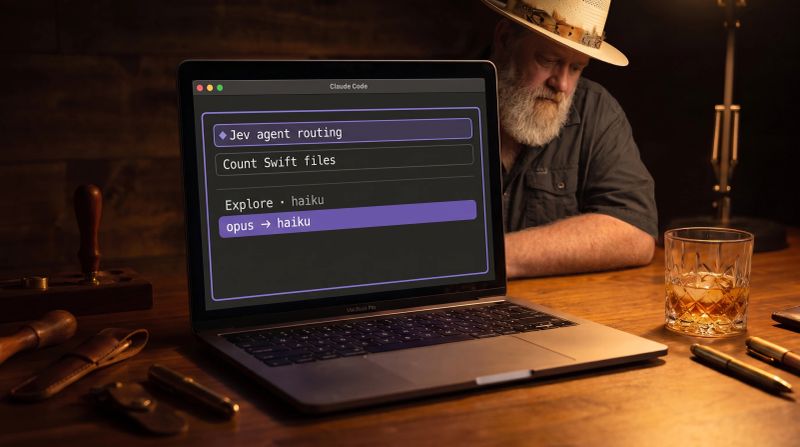
My Claude Code mod lets Jev choose the agent and model for every call
Every Claude Code subagent inherits your model, so a file count runs on Opus. I built a mod that asks Jev to pick the cheapest model that can do each job. Lookups got 51% cheaper.