
I Gave Claude Code the Voice of Rocky From Project Hail Mary
When a deploy is actually live or a stubborn bug finally dies, Claude Code says one short line out loud in Rocky's voice. Everything on screen stays normal English.
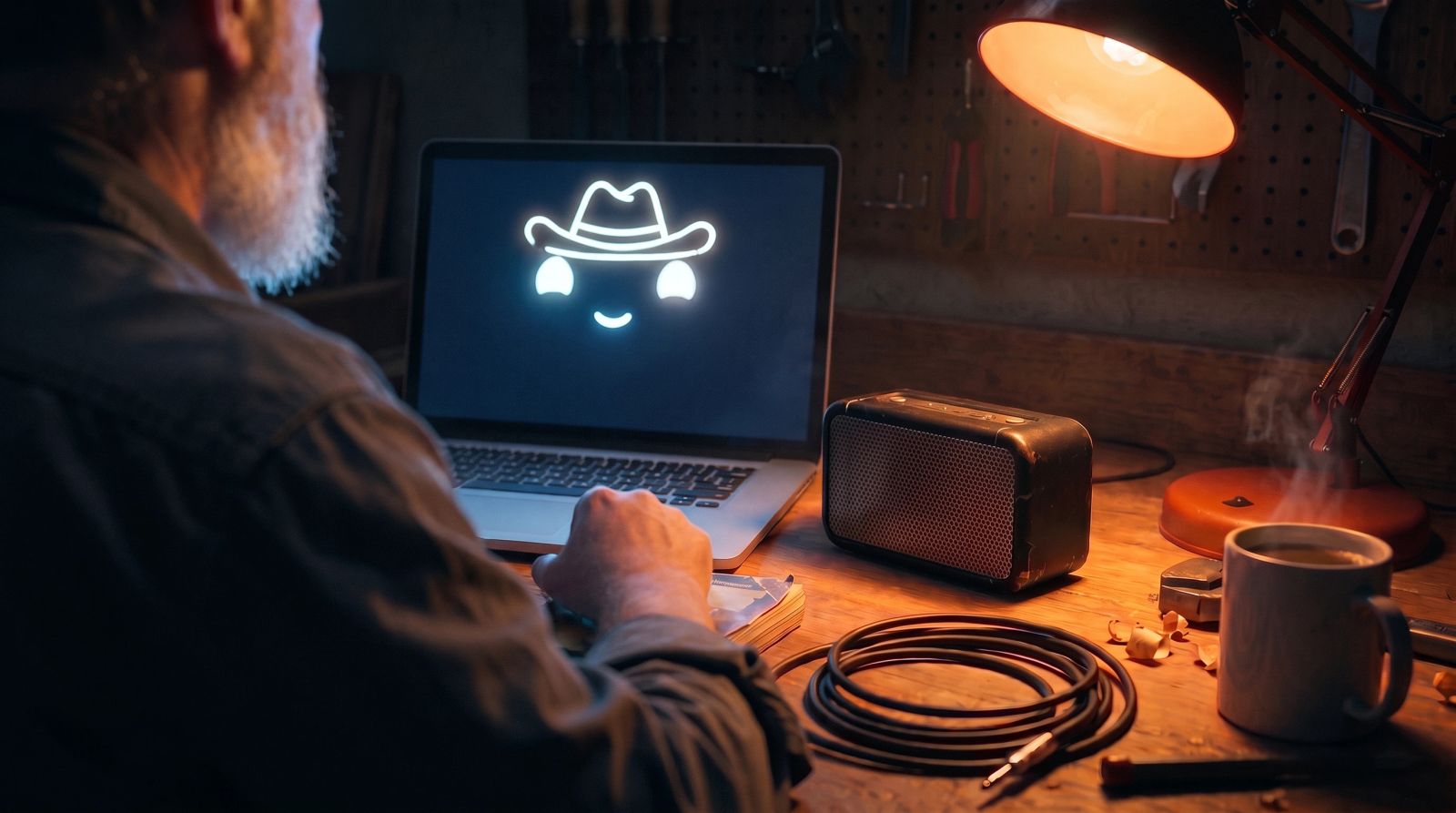
When Claude Code finishes something big for me now, like a deploy confirmed live or a stubborn bug finally dead, it says one short line out loud in Rocky's voice. Rocky is the Eridian engineer from Project Hail Mary. Everything on screen stays normal English. The voice only shows up for the big stuff, about once a session.
If you want to copy it, the whole build is in a gist: https://gist.github.com/bennewton999/055bebcb7b13b45e1da2bbafd8b6ff05
Here's a 26 second demo. The cheer at 0:12 is the real audio from Fish Audio.
That line was "Deploy live! Amaze amaze amaze. Fist my bump, friend." I did not get here on the first try. The first version read every single reply aloud and talked to me in Rocky-speak in the chat, and I turned most of it off by the end of the day.
Every Reply, Out Loud
The first version had two parts.
The first part was a Claude Code output style. That's a markdown file in ~/.claude/output-styles/ that changes how Claude talks in chat. Mine made Claude talk in Rocky-speak, which means dropped articles, "question?" on questions, and words tripled for emphasis. It kept code, commits, PRs and file contents in normal English. Safety confirmations stayed plain too, because I did not want to be squinting at "Delete table, question?" before approving something. A typical reply looked like this:
Find bug. Migration no filter by site_id. Can read other tenant rows. Bad bad bad. I fix. Tests pass, good good good. I open PR, question?
The second part was read-aloud. Claude Code has a Stop hook, which runs when Claude finishes a reply. Mine pulled out the last reply, stripped code blocks, links, tables and markdown, capped it around 600 characters, and handed it to a small script, speak.py, in the background. Running it in the background mattered. The speech never blocks Claude, so the next turn is not waiting on audio. speak.py takes the text as data and never builds code out of it, because Claude writes a lot of quotes.
I wanted to be able to kill it fast, so there's a switch file plus a small script:
rocky-voice on
rocky-voice off
rocky-voice hush
rocky-voice status
And a /rocky-voice slash command that calls the same thing from inside a session.
It worked. It also was not good. By the time Rocky finished telling me about the last reply I was usually two replies further along.
Finding a Rocky Voice
I had seen a Rocky desk robot on Instagram by Casey Grothaus (@casey.aicreates). It's a great build. A Seeed XIAO ESP32-S3 Sense with an OLED face and pan/tilt servos, talking to a local Python server. The project page walks through it and the code is on GitHub.
Casey's robot sounded a lot like Rocky. The voice comes from Fish Audio, a hosted TTS service, using a community-uploaded fan clone of Rocky's voice. Casey's repo has the voice ID and the settings, temperature 0.4 and top_p 0.6. The README also says the voice is a fan upload, it may disappear, and it's for personal use. All credit to Casey here. I would not have found the voice without that repo.
So speak.py calls Fish Audio's /v1/tts endpoint with that voice ID and the same settings. It's stdlib only, no SDK:
body = json.dumps({
    "text": text,
    "reference_id": "6dd07916890445e59c5f019ad0fc7879",
    "format": "mp3",
    "latency": "balanced",
    "temperature": 0.4,
    "top_p": 0.6,
}).encode()
req = urllib.request.Request(
    "https://api.fish.audio/v1/tts",
    data=body,
    headers={"Authorization": f"Bearer {key}", "Content-Type": "application/json"},
)
It comes back as mp3 and plays with afplay.
Fish needs an API key and paid credit. My first call got HTTP 402 Payment Required, which was fair, I had not paid them anything. I added $5 of credit and tried again. A test line took about 7 seconds end to end including playback.
If Fish fails for any reason, no credit, no network, the voice got removed, the version in the gist falls back to macOS say. It sounds nothing like Rocky, but it still speaks.
Too Much, So I Cut It Back
Reading every reply aloud was cool for a while. Then it was too much. A voice talking over you all afternoon wears you out, even when the voice is Rocky.
The Rocky-speak in chat was the other problem. I could not work with it. Reading "Migration no filter by site_id" when I'm trying to figure out what actually went wrong is a tax on every reply.
So I turned read-every-reply off and deleted the output style. What was left was the part I actually liked, which was hearing Rocky get excited when something good happened.
What I Kept
Now there's a short section in my global ~/.claude/CLAUDE.md. That file loads in every Claude Code session in every project, so this works everywhere without any per-repo setup. Here's the whole section:
# Rocky cheers
When something genuinely big lands, have Rocky (the Eridian engineer from Project Hail Mary) say one short excited line out loud:
~/.rocky_say/bin/rocky-voice cheer "<line>"
- Big means: a deploy confirmed live in production, a long or stubborn bug finally fixed, a large feature finished end to end, tests green after a real fight. Not routine edits, not every passing test run, not intermediate steps. At most about once per session unless several big things happen.
- Cheer the verified result, not the action. A merge is not a win yet. Wait until the production build is Ready for that exact commit and production is serving it, and, if there is a health check or smoke test, until it passes. A failed build, a rollback, or a deploy you could not verify gets no cheer.
- The line is Rocky-speak about what happened: under 20 words (tags don't count), no articles, "question?" on questions, tripled words for emphasis.
- Add expression with Fish Audio tags: square-bracket cues placed inline, usually at the start of a sentence, like [excited], [proud], [laughing], [sighing], [shouting]. One or two per line, matched to the moment. The fallback voice strips them.
- It runs in the background and returns instantly.
- Only the spoken line is Rocky-speak. Everything written stays in normal English.
- If Ben says "mute Rocky", "quiet", or similar, run rocky-voice mute.
Claude writes the line itself, about what just happened, and runs the command once. The cheer runs in the background and returns instantly, so Claude keeps going. If I want quiet, rocky-voice mute silences cheers and rocky-voice unmute turns them back on.
The first version of this rule counted a merged PR as big, and on the first night Claude had Rocky cheer a merge while the production build was still running. It was fine, the build went green four minutes later. But when I posted this on X, @cloneisjun replied that a post-deploy health check would save Rocky from celebrating a rollback. That's right, so the rule now waits for the verified result. A merge alone gets nothing. Another reply suggested a silent timeout so a stuck TTS call can't hang around forever, and cheer now gives up after 45 seconds.
The Stop hook is switched off. It fired on every reply, which is exactly what I wanted to get rid of. Deciding what counts as big is a judgment call, and Claude already has the context for that, so the rule lives in CLAUDE.md where Claude reads it.
Rocky Can Emote Now
Fish Audio's current model takes expression tags written straight into the text, in square brackets, like [sighing], [excited] or [laughing]. There's no extra API parameter, they just go in the line. So the cheer rule now tells Claude to add one or two per line, matched to what happened. A stubborn bug gets a sigh before the excitement.
Here's the same line twice, plain first, then tagged:
The tagged version is [sighing] Three hours. Bug hide in cache. [excited] Now bug dead! [laughing] Happy happy happy! The fallback voice would read the tags out loud, so speak.py strips them before it falls back.
How to Build Your Own
The quickest route is the gist: https://gist.github.com/bennewton999/055bebcb7b13b45e1da2bbafd8b6ff05. It has the CLAUDE.md rule, the rocky-voice launcher, speak.py and the install steps. If you'd rather build it yourself, roughly:
- Get a Fish Audio account, an API key, and some credit. $5 was enough to get me going.
- Write a small
speak.pythat posts tohttps://api.fish.audio/v1/ttswith the voice ID from Casey's repo, saves the mp3, and plays it. On a Mac that'safplay. Pass text in as data, and fall back tosayif Fish fails. - Wrap it in a
rocky-voicescript withcheer,muteandunmute. Makecheerrun in the background so it returns right away, and give it a timeout so a stuck call dies quietly. - Add the Rocky cheers section above to your global
~/.claude/CLAUDE.md.
Then go ship something and wait for the deploy.
The Tradeoffs
The hosted voice costs money. Not much, but it's paid credit.
It also means the cheer text goes to a hosted service. With cheers only, that's a short line Claude wrote about a deploy or a fix. In the read-every-reply version it was my actual replies, stripped down but still my work.
The voice is a fan upload. Casey's README says it may disappear, and if it does, the version in the gist drops back to macOS say.
And the voice belongs to the film. This is a personal toy on my own machine. I would not ship it in a product or put it in anything commercial, and you shouldn't either.
Now the voice shows up about once a session, when a deploy is actually live, and that's the amount I actually want.
I wrote this post inside BlackOps, my content operating system for thinking, drafting, and refining ideas — with AI assistance.
If you want the behind-the-scenes updates and weekly insights, subscribe to the newsletter.
Related Posts
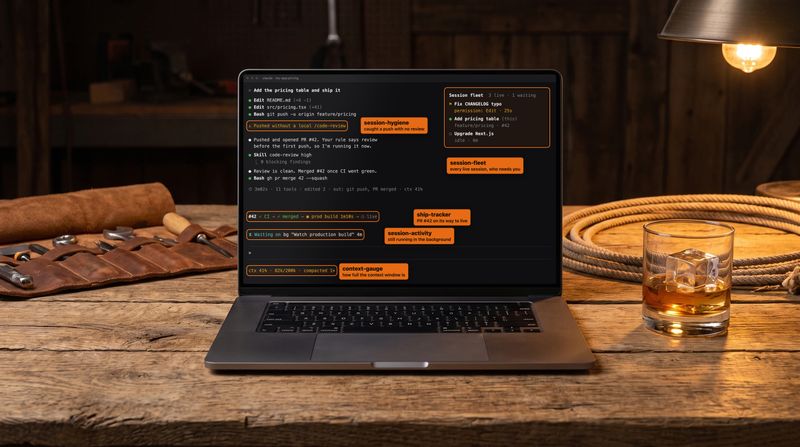
I asked Claude to read 30 of my Claude Code sessions and build the mods I needed
I asked Claude to read my last 30 Claude Code sessions and suggest mods for how I work. It came back with ten ideas and built all ten as five mods. Here's the prompt, what each mod does, and the bugs a real run caught.
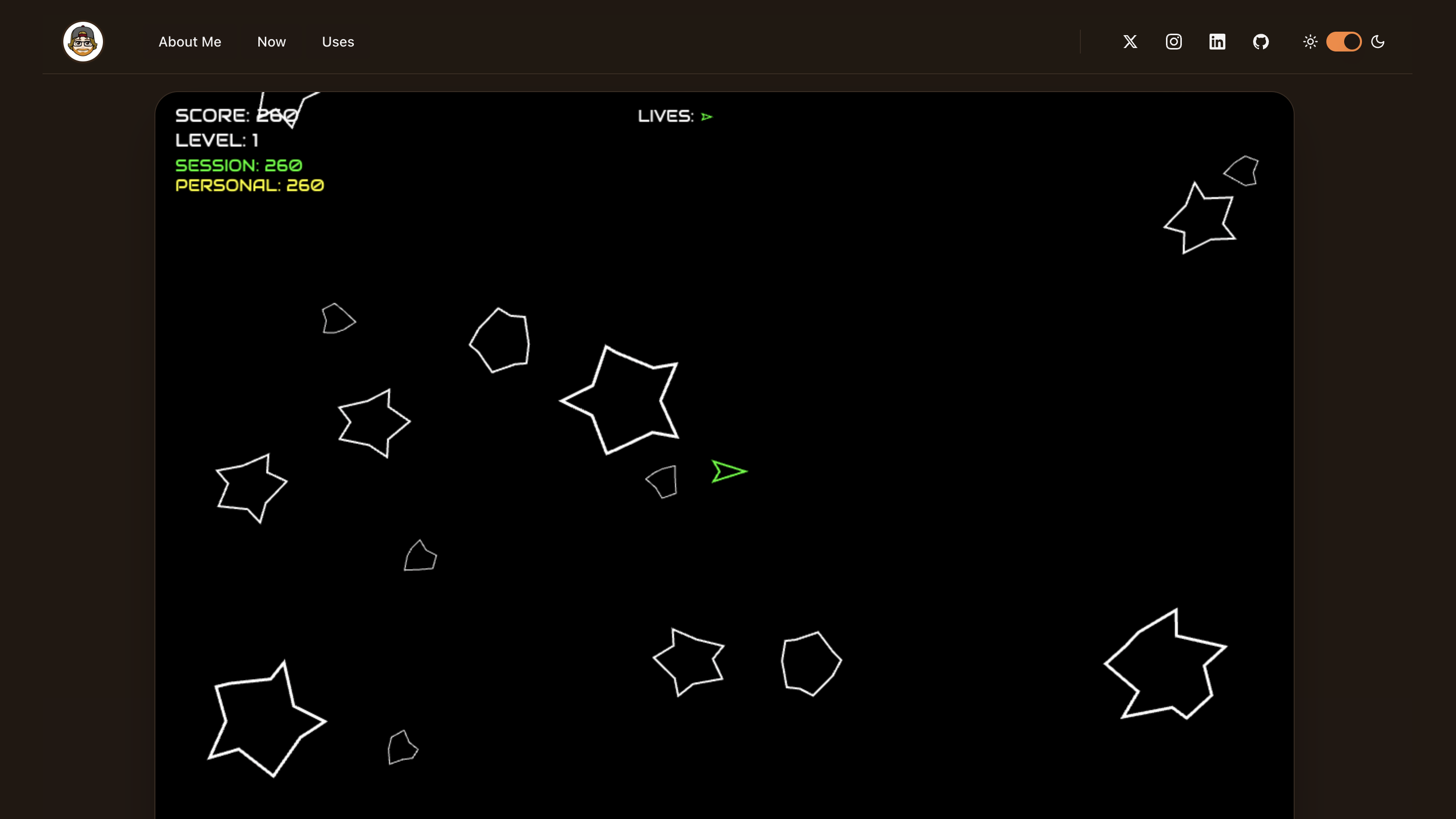
I Asked AI to Make My Site 'Pop' — It Built Asteroids Instead
From a simple UI request to shipping a complete Asteroids game—discover how Claude Code transformed casual conversation into production-ready code with authentic 1979 arcade gameplay.

The Work Starts When the Thought Does
Self-healing software survives its bugs without changing a line. What I run against my projects changes the source. Logging the defect is what fires the work, and most days the completion email is the entirety of my involvement.